Zod AI
An HR assistant that knows your company
Ask in plain words. Zod AI looks things up in your HR data, within what you’re allowed to see, and drafts the next step for you to confirm.
What you get
Answers from your data
Leave balances, attendance, payslips, holidays, policies and announcements, answered in seconds.
Drafts, you confirm
“Take Friday off” becomes a leave request you review and submit. Nothing is sent without you.
Respects permissions
Employees see their own data, managers their team and HR the company. Zod AI follows the same rules.
For managers
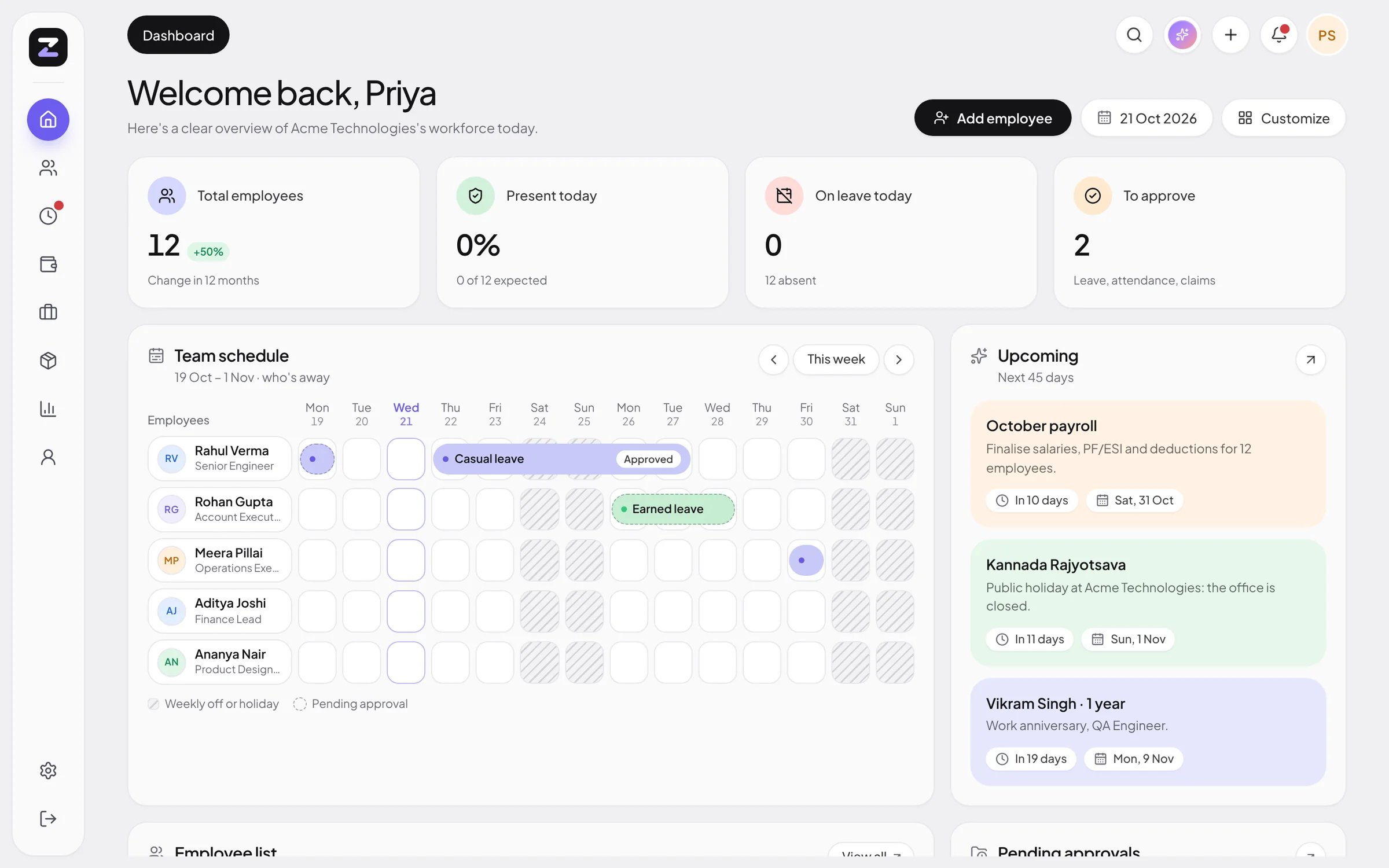
Who is in today, pending approvals and the team’s leave calendar, in one question.
For HR
Headcount, payroll summaries and licence status, plus drafts for announcements, job descriptions and leave policies.
Insights
Dashboard insights point out what needs attention this week.
Live in three steps
Open Zod AI
From the top bar on any page.
Ask
In plain English, the way you’d ask a colleague.
Confirm
Review any draft before it’s submitted.
Zod AI: common questions
Can Zod AI see everyone’s salary?
No. It answers within each person’s permissions: employees get their own data, managers their team’s, and HR the company’s.
Will it submit things without asking?
No. Anything that changes data, like a leave request, is shown as a draft for you to confirm.
Which plans include Zod AI?
The assistant is part of Professional and Enterprise. Enterprise adds AI insights on the dashboard.
More of ZodHR
Bring your whole team into sync.
14 days free, no card needed. Your workspace is ready the moment you sign up, with leave policies, a shift and holidays already in place.